A CRM manages customer relationships: enquiries, deals, the sales pipeline, communication history. An ERP manages company resources: inventory, finance, procurement, production, reporting. The practical test: if money is lost on the way to the sale — you need a CRM; if the chaos starts after the sale — in records, warehouse, and paperwork — you need an ERP. Many companies eventually need both, but they should be implemented one at a time, starting where the losses are bigger.
Contents
The difference in plain terms: front office and back office
CRM — front office
- Customer relationship management: lives where the company talks to the customer
- Captures enquiries from every channel
- Moves deals through pipeline stages
- Stores call and chat history
- Reminds the manager about the next step
- Main question: "what is happening with our sales"
ERP — back office
- Enterprise resource planning: manages what happens inside
- Warehouse stock, procurement, cost of goods
- Finance, production orders, document flow
- Main question: "what is happening with our resources"
Signs you need a CRM
Look at symptoms, not company size:
- Enquiries arrive in WhatsApp, Instagram, on the website and by phone — and some simply get lost.
- Nobody can say how many deals are in progress and at which stages.
- The customer was promised a call back — and didn't get one, because the reminder lived in the manager's head.
- A manager quit and took the whole history: contacts, agreements, statuses.
- Advertising works, but it's unclear which channel brings deals and which only brings costs.
- There's a sales plan, but no picture of "how much will we close this month".
Signs you need an ERP
ERP symptoms live in operations and records:
Warehouse
- Symptom
- Warehouse stock is "confirmed" by calling the storekeeper, and every inventory count brings surprises.
Cost and margin
- Symptom
- Calculated per order in Excel — after the fact and approximately.
Procurement
- Symptom
- Runs "by eye": either shortages of best-sellers or a warehouse full of dead stock.
Documents
- Symptom
- Invoices, waybills, and acts are assembled by hand, with regular errors in the details.
Data entry
- Symptom
- The same data is typed into several systems: a spreadsheet, 1C, a report for the director.
Reporting
- Symptom
- Numbers for the weekly meeting take a day to prepare and are stale by the time they're discussed.
The common case: you need both — but in sequence
A growing company usually hits both classes of problems.
The sequencing rule is simple: start where the losses are bigger.
CRM first
- Marketing brings enquiries and sales lose them
- A CRM shows an effect in money faster
Records and warehouse first
- Sales are stable but operations eat the margin
- Start with order in records and the warehouse
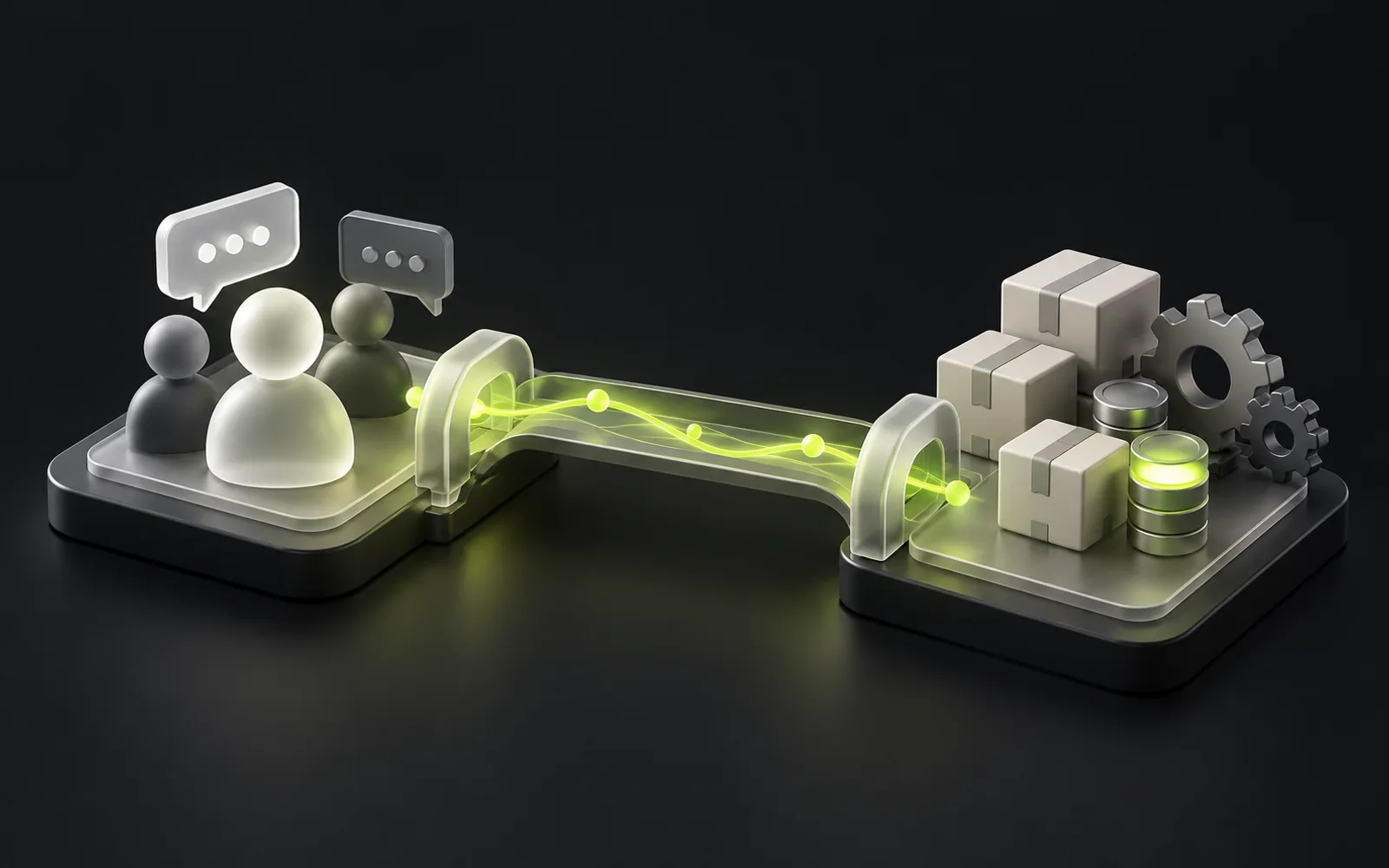
The second system then connects to the first through integration: a CRM deal creates documents and stock reservations in the accounting system, and shipping statuses flow back to the manager. Data is entered once, and no manual gap remains between "sold" and "shipped". That connecting work is its own discipline — business process automation — and it is what turns two programs into one working loop.
Custom or off the shelf
The "CRM or ERP" question often drags in a second one: buy a boxed product or build your own.
Off the shelf
- When it's justified
- If your processes are standard — start with a ready-made product, it is faster and cheaper.
Custom development
- When it's justified
- When processes are non-standard, when the box forces you to break what works, or when its customization and licensing costs over a couple of years exceed the cost of your own system.
A detailed breakdown of that fork, with criteria, is in the article "Custom CRM or Bitrix24" — the logic applies to ERPs as well.
At InterLAB this choice is part of the brief: we cost both options, and if a boxed product is enough for you, we'll say so.
Custom development should win on numbers, not on our wish to sell it.
Making the decision: three questions
Where do you lose more?
On the customer's way to the purchase, or after it? The answer determines the class of system.
Typical processes or your advantage?
Are your processes typical for the industry, or are they your competitive advantage? That answer determines "boxed or custom".
What already works and must stay?
Which systems already work and must stay? That answer determines the scope of integrations.
With these three answers, a conversation with any contractor becomes concrete.