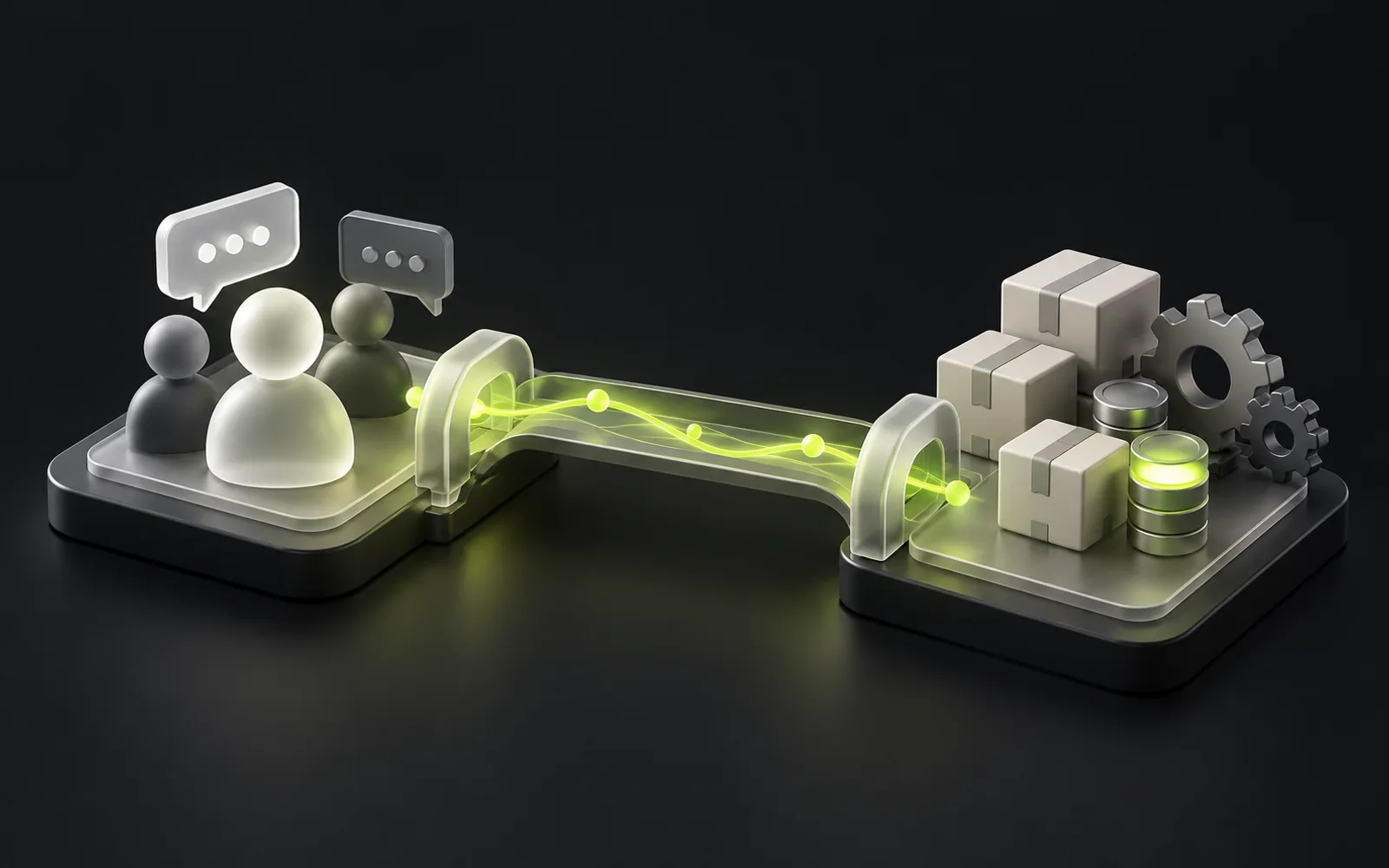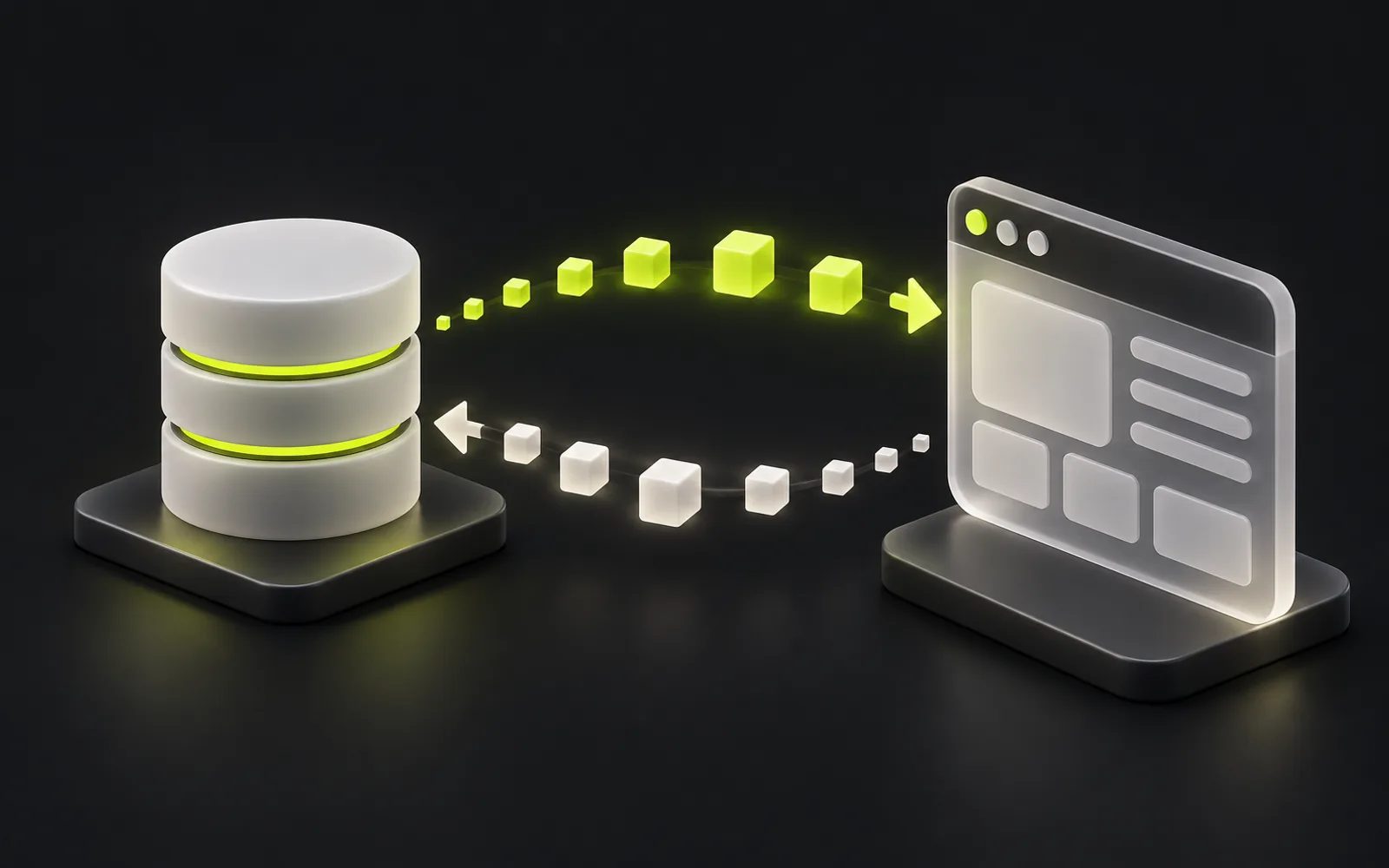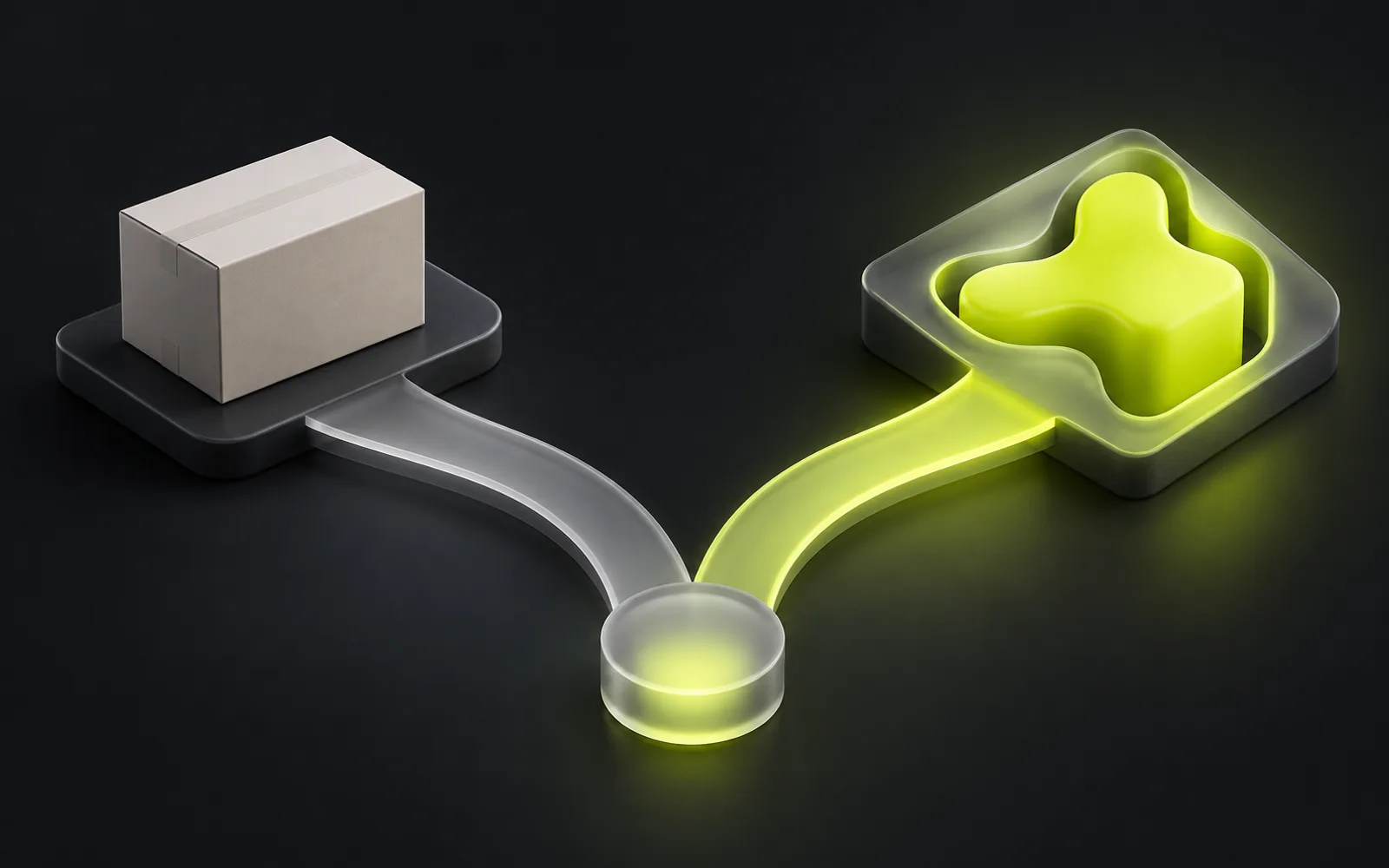
Bitrix24 or another off-the-shelf CRM is the right choice when sales fit a standard pipeline and the system needs to launch without any development. A custom CRM is worth considering when the company's processes stop fitting the ready-made product: deal stages don't match the standard pipeline, roles outgrow the typical permission model, and integrations with 1C and internal services require workarounds. The practical criterion is the cost of ownership over a two-to-three-year horizon and the amount of work employees do outside the system.
Contents
- When Bitrix24 or another off-the-shelf CRM is enough
- Where the limits of an off-the-shelf system lie
- When a business needs a custom CRM
- What a custom CRM gives — and what it demands
- Comparison across the key criteria
- The hybrid path: start with off-the-shelf, grow into your own
- Custom CRM or Bitrix24: how to decide
When Bitrix24 or another off-the-shelf CRM is enough
Bitrix24 is a mature product: sales pipelines, tasks, telephony, chats, an app marketplace, and a large network of integrators, including in Kazakhstan. For a standard sales department it is ready-made infrastructure that requires no development.
An off-the-shelf system wins on launch speed and predictability. A subscription with a clear pricing model, setup handled by an integrator, updates on the vendor's side — you can start working without waiting for a single line of custom code.
As a rule, an off-the-shelf CRM is enough if the conditions in the list below hold.
- Sales follow a linear pipeline: lead → negotiation → invoice → payment
- The system is used mostly by the sales department, without complex approvals involving other departments
- Standard reports, fields, and built-in automation cover your needs
- Processes are still changing, and it is too early to lock them into a system of your own
Where the limits of an off-the-shelf system lie
Any off-the-shelf CRM is a model of an averaged sales department.
As long as the company's process matches that model, everything works: the gaps are closed with settings, custom fields, and automation rules.
Roles and access permissions are a separate point of friction. The built-in permission model does not always allow precise control over who sees clients, amounts, and documents — and for companies with several business lines or branches this is fundamental.
When a business needs a custom CRM
The signal for custom development is the moment configuring the ready-made product turns into a constant struggle with its limitations: deal stages have to be forced into the standard pipeline, access permissions don't match real areas of responsibility, and internal approvals and integrations live outside the system.
The typical signs that a company has outgrown an off-the-shelf CRM are collected in the list below.
- A deal passes through several departments, each with its own stages, permissions, and areas of responsibility
- Key data lives in 1C or in a warehouse or production system, and managers need to see it in the client card
- Reports for management are assembled by hand from data exports
- A noticeable share of the work happens in spreadsheets and messengers "alongside" the CRM
- Automation runs into the limits of built-in rules and business processes
- License costs grow with the team, although most employees need only a small share of the features
What a custom CRM gives — and what it demands
A custom system is designed from the process, not the other way around.

What it gives
- Stages, roles and permissions, automation, and reports mirror how the company actually works — employees no longer have to keep workarounds in their heads
- Integrations: your own backend and API let you connect the CRM to 1C, Kaspi, telephony, the website, and internal systems into a single data loop, without watching the limits of someone else's platform
- Ownership: the code and the database belong to the company, the system scales without per-user license fees, and the roadmap is set by the business, not the vendor
What it demands
- A full-scale project with design, development, QA, and ongoing support
- A process owner on the company's side
- A commitment to keep developing the system after launch rather than "install and forget"
Comparison across the key criteria
Time to launch
- Off-the-shelf CRM
- configured in days or weeks
- Custom CRM
- a full design and development cycle
Fit with processes
- Off-the-shelf CRM
- the process adapts to the system
- Custom CRM
- the system mirrors the process
Integrations
- Off-the-shelf CRM
- the marketplace and API within your plan
- Custom CRM
- any connections, including 1C and internal systems
Roles and permissions
- Off-the-shelf CRM
- within the built-in model
- Custom CRM
- any level of granularity, down to individual fields
Costs
- Off-the-shelf CRM
- a subscription that grows with the number of users
- Custom CRM
- an investment in development plus ongoing support
Evolution
- Off-the-shelf CRM
- the vendor's roadmap
- Custom CRM
- your own roadmap driven by business needs
There is no universal winner here. For a settled, standard process the math almost always favors the off-the-shelf system; for a non-standard and growing one, the balance shifts toward a custom build over time.
The hybrid path: start with off-the-shelf, grow into your own
The choice is not binary. A working strategy for many companies looks like this.
Sales in Bitrix24
Sales run in Bitrix24, and the non-standard areas are covered with separate services — a client portal, an integration layer with 1C, an in-house calculation module — connected to the CRM via API.
The off-the-shelf CRM as a proving ground
It shows which stages are real, which reports are needed, and where automation pays off.
A specification for your own system
Once the processes have stabilized, the accumulated deal history and configured pipelines become a de facto specification for a system of your own.
Data migration
Planned as a separate project stage, not as "we'll move it over later".
Custom CRM or Bitrix24: how to decide
The decision should start from the process, not the technology. A four-step sequence helps avoid mistakes.
Describe the process
Describe the sales process as it is: stages, participants, approvals, data sources — including what lives in spreadsheets and messengers.
Try it in Bitrix24
Try to fit the process into Bitrix24 without changing the process itself; if it fits with reasonable configuration, take the off-the-shelf system.
Calculate the cost of ownership
Over two to three years: licenses, integrator work, employee hours spent on workarounds.
Discuss custom development
If the process does not fit and workarounds have become the norm, discuss custom development with a specific list of what the off-the-shelf system failed to cover.
For companies in Almaty and Kazakhstan, InterLAB designs and builds CRM systems around real processes: roles and access permissions, integrations with 1C and Kaspi, reporting, and ongoing support. Time and cost estimates for a specific project follow a brief and are prepared after reviewing the task.