Business Process Automation
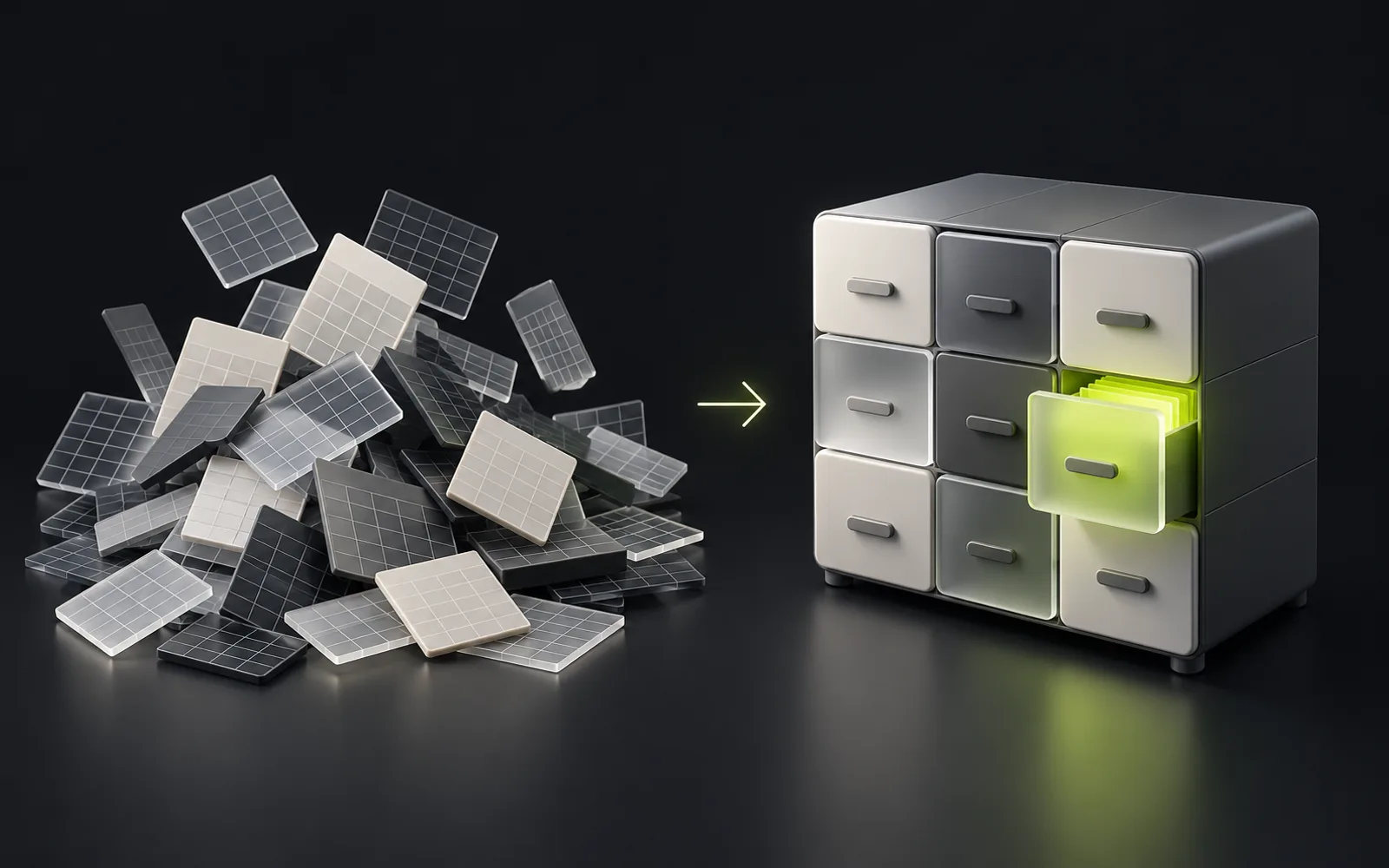
We remove manual routine: enquiries land in the CRM by themselves, documents are generated from templates, reports assemble without Excel, and your tools exchange data through APIs. We build internal systems around the company's processes — for businesses in Almaty and across Kazakhstan.
- No Excel
- Documents
- Reports

What is business process automation?
Business process automation means software performs routine operations instead of an employee: a website enquiry creates a CRM deal on its own, an invoice is generated from a template in seconds, warehouse stock updates in every system at once. InterLAB (Almaty, Kazakhstan) automates processes through custom development: internal systems, API integrations, and 1C exchange — where off-the-shelf products fall short.
Who it's for
Companies running on Excel and chats
Orders in WhatsApp, records in spreadsheets, statuses "in the manager's head". It works while the team is small; then come lost enquiries and double entry.
Businesses with manual data transfer
A manager retypes enquiries from email into the CRM, an accountant — from the CRM into 1C. Every transfer costs time and produces errors. Integrations do it automatically.
Companies with manual paperwork
Invoices, contracts, and acts are assembled by hand, half an hour each. Template generation turns that into one click — and removes errors in the details.
Managers without live reporting
Numbers for the meeting take days to assemble and are stale by the time they're shown. A dashboard fed by all systems answers questions in real time.
What we automate
Which processes should be automated first?
The rule is simple: frequent, repetitive operations first. Usually that's the enquiry's path from website to deal, document generation, reporting, and stock synchronization. During the process audit we count the hours each operation takes — the priorities become obvious.
Custom automation or Bitrix24 and ready-made services?
If your processes are standard, a boxed product covers them faster and cheaper — and we'll say so honestly. Custom development pays off when processes are non-standard, when there are several systems to connect, or when the box forces you to break a working process.
How do you connect the tools we already use?
Through APIs and webhooks: the website, CRM, 1C, warehouse, and payment services exchange data without human involvement. Your existing tools aren't thrown away — a connecting layer is built between them, and data is entered once.
How do we know automation will pay off?
During the audit we price the manual work: how many staff-hours go into re-typing data, documents, and reports, how many enquiries get lost. We compare that with the cost of the solution — the decision is made on your company's numbers, not on promises.
What automation includes
items
- Process audit: where time and data get lost
- An automation map with priorities and an estimate
- Internal systems: enquiries, records, tasks
- Integrations: website ↔ CRM ↔ 1C ↔ warehouse
- Document generation from templates
- WhatsApp and Telegram notifications
- Dashboards and real-time reporting
- Roles, permissions, and change history
- Staff training and support
How much automation costs: InterLAB references
We start with the most painful process: the first result comes within weeks, the rest follows the automation map.
| Format | What is included | Reference | Timeline |
|---|---|---|---|
| One process | For example: requests from the website and messengers → CRM → notifications, documents from templates or a scheduled report | from 500,000 ₸ | 2–4 weeks |
| Department processes | Several connected processes, roles and permissions, links to 1C, CRM and messengers | 1.5–5 million ₸ | 1–3 months |
| Your own system instead of Excel | An internal system for several departments — on the CRM and ERP scale | from 5 million ₸ | from 3 months |
| Support | Monitoring, fixes when connected systems change, improvements | from 100,000 ₸ per month | after launch |
These are ranges, not a price list: we give an exact estimate of the first stage after a process audit. The price grows with the number of processes, systems and roles.
Contract, payment and warranty
The same terms for every B2B project: payments are tied to accepted results, and a stage price does not change after it starts.
| Term | How we work |
|---|---|
| Payment for smaller projects | Projects up to 3 million ₸ and the MVP sprint: 50% upfront, 50% after acceptance |
| Payment for larger projects | ERP, CRM, SaaS, portals — in stages of 1–2 months: 30% before a stage, 70% after the stage is accepted and signed off |
| Stage price | Fixed before the start. New requirements are estimated separately and taken on only with your approval |
| Warranty | 6 months after acceptance: we fix defects in our code free of charge — whenever the system does not work as agreed |
| Not covered by the warranty | New features and changed requirements, as well as failures caused by changes in third-party systems (a 1C update, a new bank or service API) — that is support |
| Code and access | Owned by the client from the first commit: repository, servers and keys are on your accounts. NDA on your template or ours |
The terms are fixed in the contract before work begins.
How automation works
- 01
Process audit
We walk the path of an enquiry, a document, and a report by hand: where the double entry is, where the waiting is, where the errors are. We record the "before" numbers.
- 02
Automation map
A list of processes with priorities: what to automate first, what later, what to leave alone. Estimate for the first stage after reviewing the task.
- 03
Development and integrations
Two-week sprints: connections between systems, internal tools, document templates. A demo at the end of every sprint.
- 04
Rollout
The new process launches in parallel with the old one, staff switch step by step, data migrates without losses.
- 05
Growth
We compare metrics against the recorded "before" and take the next process from the map. Automation is a road, not a one-off project.
Get your project assessed before development starts
Describe the task in the form below — we reply within a business hour and suggest the next step: a call, a review or an estimate.
How it works technically
Connections are built on APIs and webhooks; internal systems — on the same stack as the rest of InterLAB's products: TypeScript, Node.js, PostgreSQL. Background jobs, queues, and logging make the system predictable: you can see which operation succeeded, which failed, and why.
- Node.js
- TypeScript
- PostgreSQL
- REST API
- Webhooks
- Redis
- Docker
What we connect
A typical loop: enquiries from the website and messengers land in the CRM, deals generate documents and invoices, payments reconcile with 1C, warehouse stock syncs with the catalog. Every connection is designed around your actual process.
1C, Kaspi API, AmoCRM, Bitrix24, WhatsApp, Telegram, Payment gateways
InterLAB projects in this area
Real work with a dated status: what's live, what's still in development, where it's a demo.
status as of Oct 12, 2026
FAQ
InterLAB references: automating one process — from 500,000 ₸ and 2–4 weeks, department processes — 1.5–5 million ₸, your own system instead of Excel — from 5 million ₸. We give an exact estimate of the first stage after an audit and an automation map. Automation can be rolled out step by step, starting with the most painful process.
With a process audit: in a short session we walk the path of an enquiry, a document, and a report and find where time and data are lost. The outcome is an automation map with priorities — useful even if you implement it without us.
No. Your existing systems stay — we connect them through APIs and data exchange. Replacing a tool is only proposed when it objectively blocks the process, and that's a separate decision.
Rollout is incremental and runs in parallel with the old process; interfaces are designed to be simpler than the spreadsheets they replace, and training is part of the work. The best argument for the team is a routine operation taking a minute instead of half an hour.
The client: code, servers, and integration keys are set up on your accounts; documentation and access are handed over after launch.
Before rollout we record the "before" numbers: operation time, lost enquiries, hours spent on reporting. After rollout we compare the same metrics — the effect shows up in hours and enquiries, not in feelings.
Deep dives in the blog
Related services


Got a project?
We'll scope and estimate it — for free.
Tell us about the product or the problem. After reviewing the task we'll come back with an architecture, a timeline and a price for the first version.
- Scope and risks estimated before we start
- NDA — yours or ours
- Work starts within a week