Enterprise System and API Integration
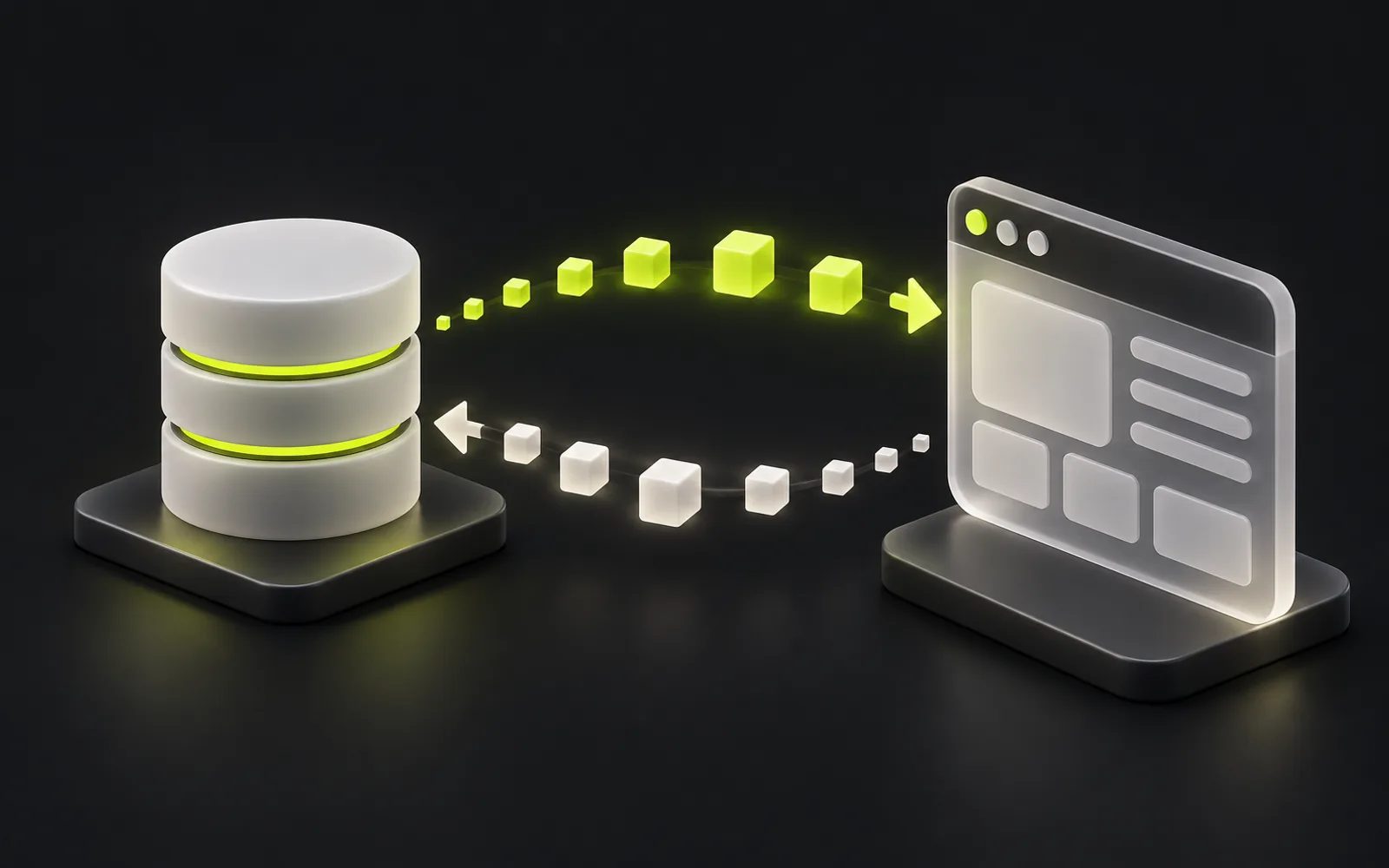
We set up automatic data exchange between your company's systems: 1C-to-website integration, Kaspi API, banks and payment gateways, WhatsApp, AmoCRM and Bitrix24. Data is entered once and appears in every system — no manual re-entry, no discrepancies between reports.
- 1C
- Kaspi
- Payments

What is enterprise system integration and why does a business need it?
Enterprise system integration means setting up automatic data exchange between the software a company runs: its website, 1C, Kaspi, CRM, payment services and messengers. It eliminates manual data transfer: orders, stock levels, prices and payment statuses sync on their own, staff stop duplicating work, and the numbers match across every system's reports.
Who needs system integration
Retail and online stores
Stock and prices live in 1C while orders come in from the website and Kaspi. Without integration, managers re-enter them by hand — with delays and errors that cost sales.
Companies with a sales team
Leads arrive from the website, WhatsApp and Telegram, but the work happens in AmoCRM or Bitrix24. Integration routes every enquiry into a single pipeline automatically.
Services with online payments
Card acceptance, invoices, payment statuses and reconciliation. Integration with banks and payment gateways records payments in the books without an accountant's involvement.
Businesses with in-house software
A custom-built system, ERP or legacy product needs to exchange data with external services. We design an API layer that ties them into a single loop.
Problems that 1C and Kaspi API integration solves
How do you integrate 1C with a website?
The exchange runs over HTTP services or 1C's standard exchange mechanisms: the website receives the product catalog, prices and stock levels, and sends back orders and customer data. The exchange format and schedule are designed around the company's accounting practices, so existing 1C workflows stay intact.
What does Kaspi API integration deliver?
Orders from Kaspi flow straight into the store's accounting system or CRM, while statuses, stock and prices update automatically. This removes manual work in the Kaspi dashboard and cuts the risk of missing an order deadline or selling an item that's out of stock.
Can you accept payments through banks and payment gateways in Kazakhstan?
Yes. We connect bank APIs and payment gateways: card acceptance, invoicing, payment-status webhooks and automatic recording of payments in the accounting system. Payment reconciliation stops being a manual chore.
How do you connect WhatsApp and Telegram to a CRM?
Through the messengers' official APIs: customer enquiries create deals in AmoCRM or Bitrix24, and order and payment notifications go out to the customer automatically. The conversation history stays on the customer's card, not on a manager's personal phone.
What the service includes
items
- System audit and a data map: what moves where, and in what format
- Exchange architecture design: REST API, webhooks, message queues
- 1C integration: catalog, stock, prices, orders, settlements
- Kaspi API: orders, statuses, store stock and prices
- Payment gateways and bank APIs: payment acceptance, webhooks, reconciliation
- WhatsApp and Telegram: notifications, bots, enquiries into the CRM
- AmoCRM and Bitrix24: deals, contacts, tasks, pipelines
- Error handling and retries: the exchange loses no data when the network fails
- Logging and monitoring of every exchange
- API documentation and post-launch support
How much an integration costs: InterLAB references
The price depends on the number of exchange directions and the state of the accounting database, not on the system's name.
| Format | What is included | Reference | Timeline |
|---|---|---|---|
| One link in one direction | For example: website orders → 1C, or stock and prices from 1C → website; exchange log, retry on failure | from 400,000 ₸ | 2–3 weeks |
| Two-way exchange between two systems | Catalogue, prices, stock, orders, statuses, counterparties; rules for which system is the source of truth, reconciliation | 1–3 million ₸ | 1–2 months |
| Connecting several systems | 1C, CRM, website, marketplaces or a bank; queue, monitoring and failure alerts | from 3 million ₸ | from 2 months |
| Exchange support | Monitoring, reconciliation, fixes after 1C updates and API changes | from 100,000 ₸ per month | after launch |
These are ranges, not a price list: we quote the exact cost after a brief and a review of the accounting database, and fix it before development starts.
Contract, payment and warranty
The same terms for every B2B project: payments are tied to accepted results, and a stage price does not change after it starts.
| Term | How we work |
|---|---|
| Payment for smaller projects | Projects up to 3 million ₸ and the MVP sprint: 50% upfront, 50% after acceptance |
| Payment for larger projects | ERP, CRM, SaaS, portals — in stages of 1–2 months: 30% before a stage, 70% after the stage is accepted and signed off |
| Stage price | Fixed before the start. New requirements are estimated separately and taken on only with your approval |
| Warranty | 6 months after acceptance: we fix defects in our code free of charge — whenever the system does not work as agreed |
| Not covered by the warranty | New features and changed requirements, as well as failures caused by changes in third-party systems (a 1C update, a new bank or service API) — that is support |
| Code and access | Owned by the client from the first commit: repository, servers and keys are on your accounts. NDA on your template or ours |
The terms are fixed in the contract before work begins.
Directions: from a task to a solution
Typical tasks and typical solutions — not specific client cases. Where to start: describe the task, put together a brief — we estimate scope, timeline and cost after reviewing the task.
1C ↔ website or CRM
Task: stock, prices and orders diverge between 1C and the website. Solution: exchange via 1C HTTP services or OData with a queue and a log — orders go to 1C, stock and prices come back to the website.
Kaspi
Task: Kaspi orders are processed by hand and storefront stock doesn't match the books. Solution: orders and statuses via the Kaspi API, stock and prices synchronized with the accounting system.
CRM: AmoCRM, Bitrix24
Task: leads from the website and messengers get lost or duplicated. Solution: deals and contacts are created in the CRM automatically, payment statuses come from other systems.
APIs and in-house systems
Task: connect a custom-built or external system without clear documentation. Solution: an API contract and a test mock first, then the integration with retries and an exchange log.
Integration brief
Systems, data, exchange frequency and failure scenarios in one document. It makes the estimate more accurate and development starts without a week of “clarifications”.
1C integration with web services and IT systems: what gets synchronised
Typical pairings, not ready-made modules: the set of objects depends on your 1C configuration and its customisations, so we study a test copy of the database before estimating. For every entity, one main system is agreed up front — the one where the data is created and edited.
| Pairing | From 1C | Into 1C | What matters |
|---|---|---|---|
| 1C ↔ website, online store | Products and their attributes, prices by price type, stock by warehouse | Orders, customers, payment statuses | Stock and prices update more often than the product catalogue; if 1C is unavailable, the website keeps taking orders and they wait in a queue |
| 1C ↔ CRM | Counterparties and their details, invoices and their payment, client debt | New clients, won deals as customer orders | Counterparties are matched by BIN/IIN (Kazakhstan's business and individual identification numbers) to avoid duplicates; a manager sees payments and debt in the CRM without opening 1C |
| 1C ↔ mobile app | Catalogue, prices and stock, order history and the client's documents | Orders and requests, including those from field staff | The app talks not to 1C directly but to a backend with a cache: 1C does not take the load from every phone, and the app keeps working while the database is under maintenance |
| 1C ↔ ERP, web-based accounting system | Reference data on legal entities, counterparties and products; settlements | Sales, purchase and transfer documents for bookkeeping | Operational accounting runs in the ERP, bookkeeping stays in 1C; every document is entered once |
Ways to exchange data with 1C: OData, HTTP services, files, queues
The method is chosen to fit the task and the state of the database. They are often combined: reference data is read via OData, orders are sent through an HTTP service, and a queue between the systems guards against failures.
| Method | How it works | When it fits | Limitations |
|---|---|---|---|
| Standard OData interface | REST access to the 1C objects included in the interface; no programming in the configuration is needed | Reading reference data, prices and stock; the first stage of an integration | Tied to the configuration's structure: queries need re-checking after it is updated; operations governed by accounting rules are better handled through an HTTP service |
| 1C HTTP services | A custom REST API inside the configuration with an agreed contract; business logic runs on the 1C side | Creating orders and documents, operations with accounting checks and rules | Requires a 1C specialist to customise the configuration, and the contract has to be maintained through its updates |
| File exchange | Scheduled export and import of XML, JSON or CSV files via a shared folder or storage | A database without web publishing, large data batches, infrequent exchange | Data arrives with the schedule's delay; an error only shows up after the file is processed |
| Message queue | Changes are placed in a queue, and a handler delivers them to the right system and retries on failure | Several systems, an unstable connection, order peaks | One more component to monitor and maintain |
Publishing the database on a web server and access for the exchange are agreed with the specialist who maintains your 1C.
Exchange control: log, retries, error notifications
An integration runs in the background, so a failure has to be visible immediately — before stock levels drift apart or an order goes missing.
Exchange log
For every message, the time, direction, object and the receiving system's response are recorded. By order number or SKU you can find when it was sent to 1C and how the transfer ended.
Retries without duplicates
If the network fails or 1C is unavailable, sending is retried with increasing pauses. A retry does not create a second order: every message has a key, and a message that has already been processed is not applied again.
Notifications and error handling
A message that still fails after several attempts is set aside for review, and the person responsible gets a Telegram or email notification saying what failed and why. Once the data is fixed, it is sent again — nothing is lost.
Useful before we talk
How an integration project runs
- 01
Brief and audit
We map out which systems are already in place, where data gets duplicated and what needs to stay in sync. Scope, timeline and cost estimates follow after the brief.
- 02
Exchange design
We document the architecture: exchange directions, data formats, sync frequency, failure behavior. The scheme is approved before the first line of code.
- 03
Development and QA
We build the connectors and APIs, then run the exchange against a test copy of 1C and in the payment providers' sandboxes. QA covers the edge cases: duplicates, dropped connections, malformed data.
- 04
Launch and monitoring
We switch the exchange to production data in stages and set up logging and alerts. An exchange failure is visible immediately — not once the reports stop matching.
- 05
Support
We watch the exchanges after launch, adapt integrations to updates in 1C, Kaspi and payment providers, and extend the scheme as the product roadmap grows.
Get your project assessed before development starts
Describe the task in the form below — we reply within a business hour and suggest the next step: a call, a review or an estimate.
The technical side
We build integrations on a typed backend: Node.js, strict TypeScript, PostgreSQL. Queues and retries keep the exchange reliable: if an external service goes down, data isn't lost — it waits to be sent. Every exchange is logged, so any disputed situation can be reconstructed from the records.
- Node.js
- TypeScript
- PostgreSQL
- REST API
- Webhooks
- Queues
- Docker
- CI/CD
What we integrate with
We work with the systems businesses in Kazakhstan actually run: 1C for accounting, Kaspi for commerce, bank APIs and payment gateways for payments, messengers and CRMs for sales. If a service has an API, an exchange with it can be designed.
1C, Kaspi API, Bank APIs, Payment gateways, WhatsApp, Telegram, AmoCRM, Bitrix24, REST API, Webhooks
InterLAB projects in this area
Real work with a dated status: what's live, what's still in development, where it's a demo.
status as of Oct 12, 2026
Frequently asked questions about integrations
InterLAB references: one link in one direction (for example, website orders into 1C) — from 400,000 ₸ and 2–3 weeks, a two-way exchange between two systems — 1–3 million ₸, connecting several systems — from 3 million ₸. More precisely — after a brief and a review of the accounting database; the price is fixed before development starts.
Access to a test copy of the 1C database and a contact for the specialist who maintains it. We build the exchange on HTTP services and standard mechanisms, so configuration updates don't break the integration.
The exchange method depends not on the configuration's name but on which objects your database contains, how heavily it is customised and whether it is published on a web server. That is why, before estimating, we study a test copy of the database together with the specialist who maintains it, and only then name the exchange method, scope of work and cost.
The exchange is designed with versioning and monitoring: a change in an external API shows up in logs and alerts before the data drifts apart. Under a support plan, adapting to updates is routine work, not an emergency.
Yes, as long as the system has an API, a database, or at least a file export. For legacy systems we build an intermediate layer: it isolates the old system and exposes a proper REST API to everything else.
Every exchange is logged, and discrepancies are caught by reconciliation checks: order counts, payment totals, stock levels. On a network failure, data enters a queue and is resent — that's built into the architecture, not bolted on after incidents.
Deep dives in the blog


Related services


Got a project?
We'll scope and estimate it — for free.
Tell us about the product or the problem. After reviewing the task we'll come back with an architecture, a timeline and a price for the first version.
- Scope and risks estimated before we start
- NDA — yours or ours
- Work starts within a week