
An AI agent is a program built on a language model that not only answers but also acts in your systems: looks up data in the CRM, creates a lead, sends a message. You can trust it with repetitive tasks that have clear rules and a checkable result: first replies to customers, collecting leads, preparing reports. Decisions with irreversible consequences — payouts, discounts outside the rules, legal commitments — stay with a human: the agent prepares an option, an employee decides. Safety comes not from the wording of an instruction but from access rights, limits and an action log.
Discuss your project?
A timeline and cost estimate broken down by stage — after the brief.
Contents
How an agent differs from a chatbot
The word “bot” is used for three different things, and which one you need determines the cost, the risks and the time to launch.
Scripted bot
- How it works
- Buttons and pre-written dialogue branches
- What it can do
- Answer expected questions, collect a contact
- Main risk
- Gets lost on any question outside the script
Knowledge-base assistant
- How it works
- A language model answers from your documents
- What it can do
- Explain terms, prices and procedure in its own words
- Main risk
- Can confidently answer inaccurately if the base has a gap
AI agent
- How it works
- The model calls tools: CRM, calendar, stock, mail
- What it can do
- Check availability, create a lead, book a meeting
- Main risk
- A mistake becomes an action, not only a wrong text
What to trust and what not: three zones
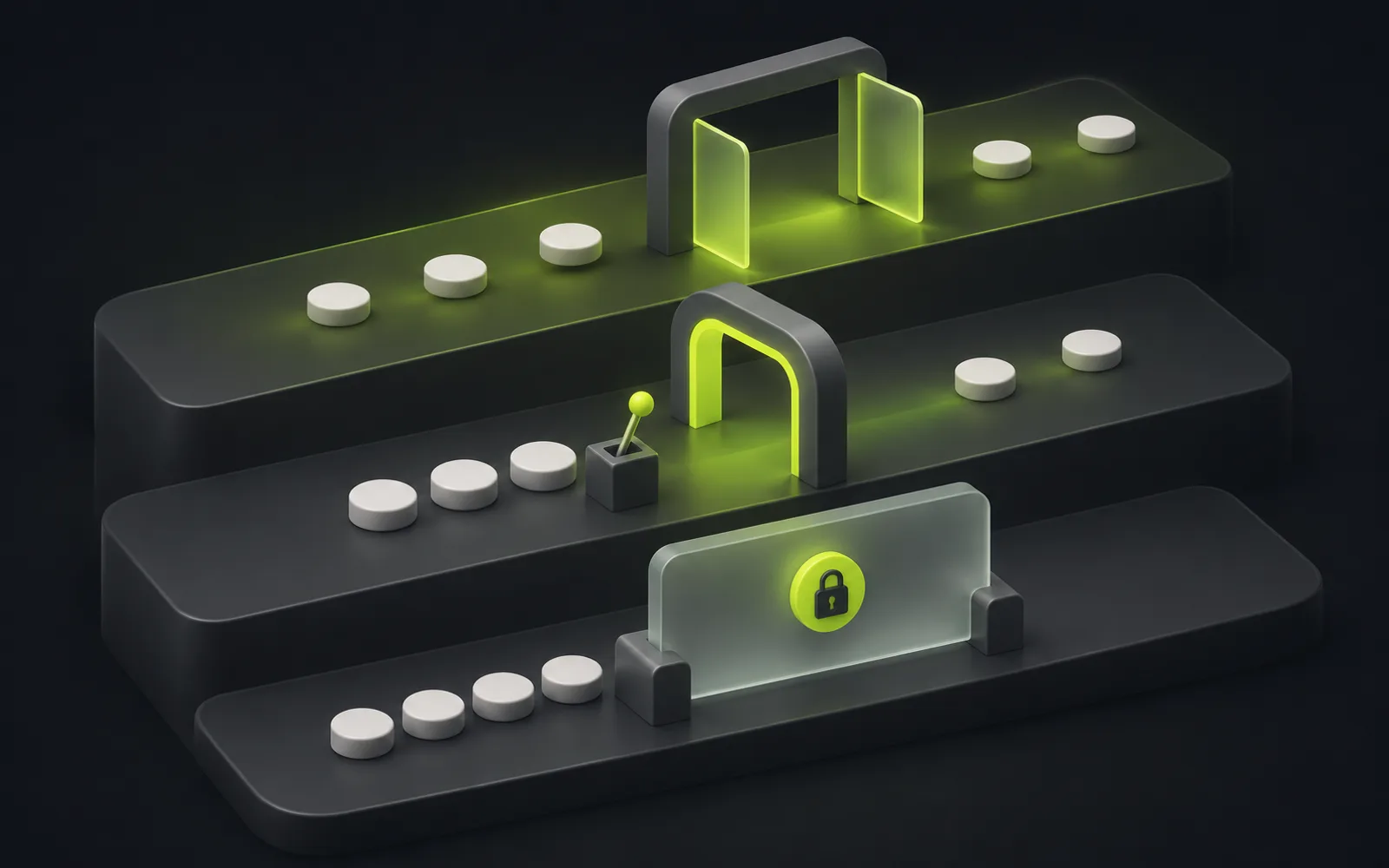
A practical way to decide what to hand to an agent is to split tasks into three zones by the price of a mistake. There is one criterion: can it be fixed quickly and cheaply if the agent gets it wrong.
Green: does it alone
- How the agent acts
- Performs the action and writes it to the log
- Example tasks
- Answering a common question from documents, collecting lead data, creating a CRM card, a booking reminder, a daily summary
Yellow: prepares, a human confirms
- How the agent acts
- Suggests an option, an employee agrees with one click or edits it
- Example tasks
- A reply to a non-standard complaint, a discount within a limit, a change to customer data, a commercial proposal
Red: only a human decides
- How the agent acts
- Gathers facts and hands over, but does not act
- Example tasks
- Payouts and refunds outside the rules, legal commitments, HR decisions, changes to contract terms
The zones are not permanent. If an agent works in the yellow zone for several months and employees almost always agree, some tasks can move to green. The reverse holds too: after the first serious mistake a task goes back to yellow.
Example: a lead-intake agent in WhatsApp
In our experience, customers of Kazakhstani companies often write in WhatsApp, so intake through it is one of the most common first scenarios. The agent does what usually eats a manager's first minutes: it works out what the person wants, checks the data and hands over a ready card.
- 01Customer message in WhatsApp
- 02Agent parses the request
- 03Check in CRM and catalogue
- 04Reply or hand over to a manager
- 05Record in CRM
WhatsApp has rules that must be built into the project. A customer's message opens a 24-hour service window, and inside it you can reply with free text. Outside the window you can only write first with a pre-approved template. So an agent must not only “answer smartly” but also know the state of the dialogue and hand the customer to a person in time, while the window is open.
What reliability is made of
A common mistake is trying to make an agent safe with one long instruction. An instruction lowers the chance of a mistake but does not remove it. Reliability is built around the model.
- 01Rights and limitsThe agent sees and changes only what the task needs; amounts, the number of actions and the list of allowed operations are limited.
- 02Checks before actionData is verified by code, not by trusting the model's text: format, range, presence in a reference list.
- 03Action logEvery call to your systems is recorded: what was requested, what came back, what was done. Without a log a mistake cannot be investigated.
- 04Hand-off to a humanIf the request is unclear, the customer is unhappy or the task is in the red zone, the agent passes the dialogue on with its full history.
- 05Quality measurementShare resolved without a human, response time, number of corrections by staff — reviewed regularly, not after a complaint.
How to start a pilot
Pick one task with a checkable result
For example lead intake or answers to standard questions. The task must have a clear outcome that can be compared with a reference.
Collect real examples
Take real conversations and requests from recent months, including the awkward ones. The agent will be tuned on them and you will test it against them.
Define the metrics before launch
Share of requests resolved without a human, first response time, number of corrections by staff, customer rating. “We like it” is not a metric.
Launch in suggestion mode
At first the agent proposes a reply and an employee sends it. You see quality on live requests without risking customers.
Widen autonomy based on data
When the metrics show no mistakes in the green zone, move the next types of tasks there. The rest stay with confirmation.
- Giving the agent full access “so it works” instead of the minimum needed.
- Launching without an action log: the mistake cannot be investigated afterwards.
- Promising that the agent will “replace a department”: it removes routine, exceptions stay with people.
- Not designing the hand-off to a human: the customer gets stuck in a dialogue with the agent.
- Judging the pilot by feeling instead of metrics set in advance.
Discuss your project?
A timeline and cost estimate broken down by stage — after the brief.