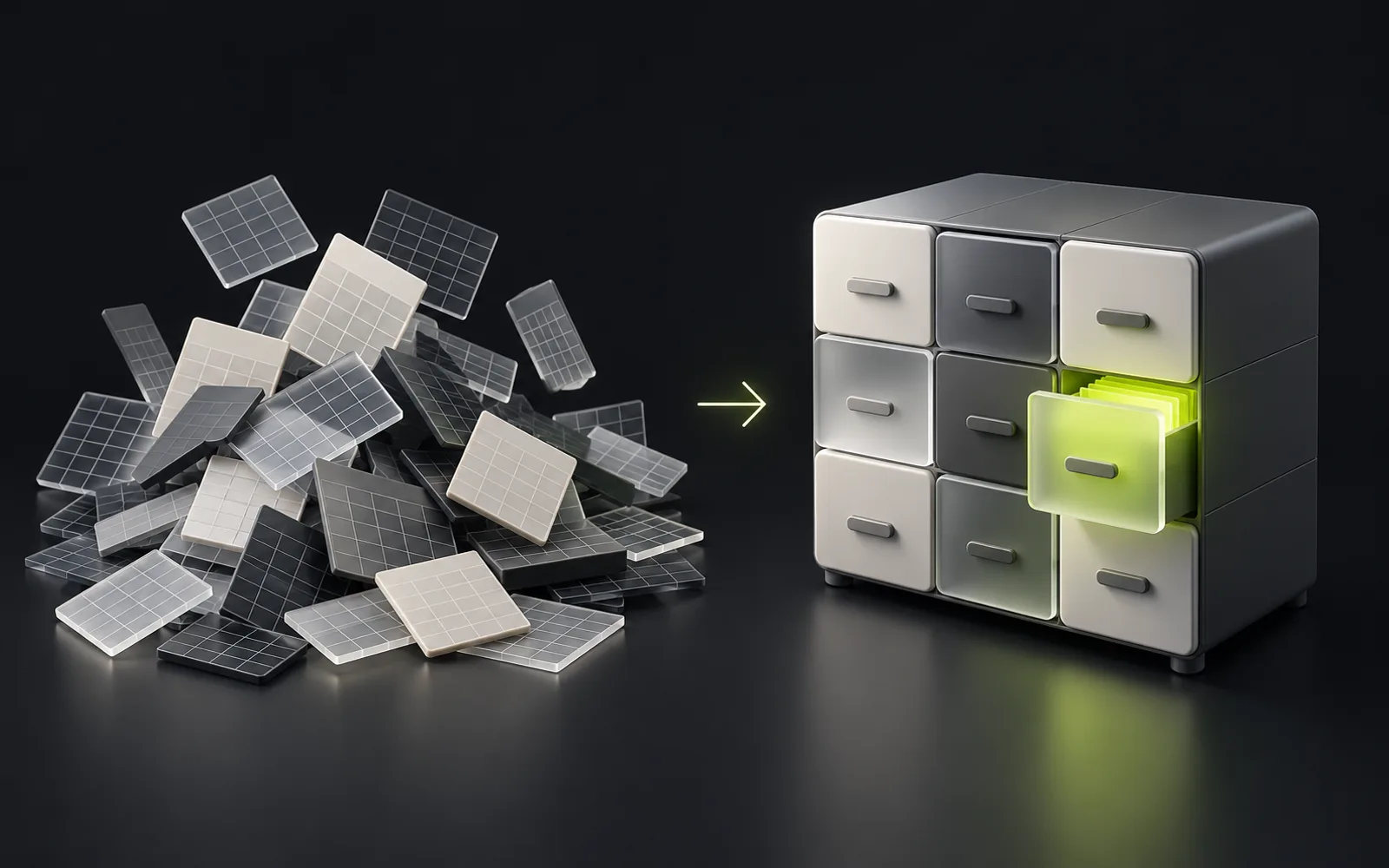
It's time to replace Excel when the spreadsheet has stopped being a tool and become a process: data is entered several times over, files live as "final_v3" versions, the weekly report takes a day to assemble, and the truth about orders exists only in one employee's head. The practical test: count how many hours a week the team spends transferring and reconciling data — once those hours add up to real money every month, automation starts to pay for itself.
Contents
First, honestly: Excel is the right starting tool
Spreadsheets get blamed unfairly. At the start, Excel and Google Sheets are the best choice. A company that started with spreadsheets made a sensible decision.
The problem isn't the spreadsheet — it's scale. Excel was designed as a calculator for a person, not a system for a team. While the team is small and the data modest, that doesn't matter. Then it does.
Strengths at the start
- Free
- Flexible
- Familiar to everyone
- Changeable in a minute without developers
Missing for a team
- Roles and permissions
- Change history
- Connection to other systems
- It does nothing by itself
So the question isn't "is Excel bad?" but "at what point did the spreadsheet stop coping for us specifically". Below are the symptoms that make that point visible.
Seven symptoms the limit has been reached
- File versions: "orders_final_v3" — and nobody is sure which file is the real one.
- Double entry: the same data is typed into the spreadsheet, then into 1C, then into the director's report.
- The truth lives in someone's head: only the manager running an order knows its status; when they're on holiday, the company is blind.
- Invisible formulas: the author of the complex spreadsheet left, nobody understands the formulas, and everyone is afraid to touch them.
- The report takes a day: the numbers are stale before the meeting starts.
- Concurrent-work conflicts: the file is locked, changes get overwritten, someone is working in an old copy.
- Lost enquiries: a request arrived in WhatsApp, nobody moved it into the spreadsheet — the client left silently.

What "let's put up with it a bit longer" costs
Manual processes don't send invoices, so they feel free.
Manual processes don't send invoices, so they feel free. You can calculate their cost in an evening, and the formula is simple: operation time × frequency × employee rate.
Pick three routines
Take the three most frequent routines — say, transferring enquiries into the spreadsheet, issuing an invoice, assembling the weekly report.
Time them
Time each one.
Multiply
Multiply by monthly repetitions and by the cost of an employee-hour.
Add the errors
As a separate line, estimate the losses from errors: wrong details on an invoice, a forgotten enquiry, stock counts that don't match.
Where to go: three paths
There is no universal answer — the path depends on how standard your processes are:
Ready-made services (CRM, accounting systems)
- When it fits
- Processes are typical
- What it gives
- The fastest and cheapest option
Connecting the tools you already have
- When it fits
- The services exist but don't talk to each other
- What it gives
- The website, CRM, 1C and warehouse get linked through APIs, and double entry disappears without replacing systems
A custom internal system
- When it fits
- Processes are non-standard and are precisely your advantage
- What it gives
- More expensive than a box, but the system follows your process — not the other way round
The ready-made services fork is unpacked in "CRM or ERP" and "Custom CRM or Bitrix24".
How to migrate without stopping the business
The main fear is "we'll migrate and everything will grind to a halt". A proper migration works differently: it is incremental and reversible.
One process
One process is automated first — usually the one your own numbers show to be the most painful.
Running in parallel
The new system runs in parallel with the old spreadsheet: data is migrated with tested scripts, staff switch gradually, and at any moment you can roll back.
The next process
Only when the process has settled does the next one follow.
Self-check list
Five questions before deciding:
- How many of the seven symptoms above describe you?
- How many hours a week go into transferring and reconciling data?
- What enquiries or money were lost to manual processes in the last three months?
- Are your processes typical or unique?
- Which systems are already in use and must stay?
With these answers, the automation conversation becomes concrete — with us or with any other contractor.