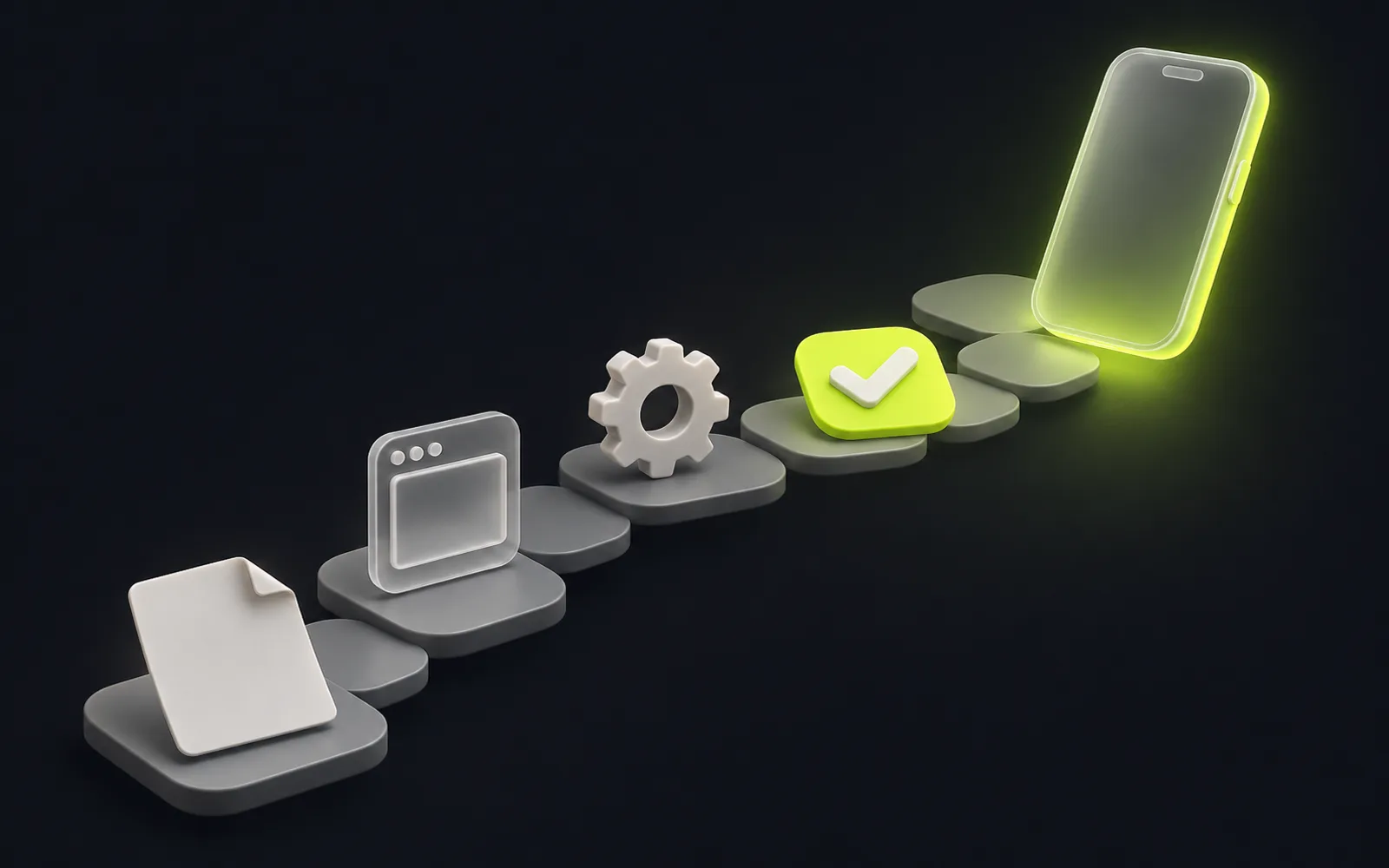
Commissioning a mobile app takes six stages: brief and estimate, prototype and design, development with a demo every 2 weeks, testing, publishing to the App Store and Google Play, and support. The client prepares the goal, user scenarios and the list of systems to connect; the contractor owns architecture, code and builds. InterLAB benchmarks: an MVP starts from 2 million ₸ and 6–12 weeks, a turnkey app from 5 million ₸ and 2–4 months. Register the developer accounts under your own company.
Discuss your project?
A timeline and cost estimate broken down by stage — after the brief.
Contents
What the client should prepare before the first call
You do not need a full technical specification: part of it is built through questions at the brief. But the five answers below make the estimate faster and more accurate.
Goal
- What it means
- Which business problem the app solves and how you will know it worked
- Example
- Customers book by phone and the front desk is overloaded: the goal is booking in the app
Users
- What it means
- Who uses the app and how many roles there are
- Example
- Customer, specialist, administrator: three roles
Scenarios
- What it means
- 3–5 main actions from sign-in to result
- Example
- Pick a service, book, get a reminder
Systems
- What it means
- What the app exchanges data with
- Example
- 1C, CRM, Kaspi, a payment gateway, WhatsApp
Constraints
- What it means
- Budget, target date, platforms, mandatory requirements
- Example
- Launch before the season; Android only at first
Six stages: from idea to publication
Brief and estimate
We go through the goal, platforms, integrations and the scope of the first version. The estimate of time and budget comes after the brief.
Prototype and design
Architecture, data model and key screens. Debatable decisions are tested on the prototype: changing a mockup costs far less than changing code.
Development
The server and the mobile client are built in parallel. You see a working version on your own phone and adjust priorities.
Testing
Checking the main scenarios, roles and integrations, and fixing what is found.
Publication
Builds, descriptions, screenshots and the Apple and Google review. If a store returns the app with remarks, they are fixed and the app is resubmitted.
Support
Error monitoring, updates for new iOS and Android versions, and development from a backlog of improvements.
Timeline and who is responsible for what
App MVP: one main scenario
- Price benchmark
- from 2 million ₸
- Timeline
- 6–12 weeks
Turnkey app
- Price benchmark
- from 5 million ₸
- Timeline
- 2–4 months
Complex product: many roles and integrations
- Price benchmark
- from 10 million ₸
- Timeline
- 4–8 months
The timeline depends not on the number of screens but on scenarios, the server side and integrations. It holds when both sides do their part:
Brief
- Contractor
- Asks questions, estimates the scope of work
- Client
- Describes the goal, names a responsible person on the client side
Design
- Contractor
- Prototype and mockups
- Client
- Approves scenarios and mockups on the agreed schedule
Development
- Contractor
- Code, server, a demo every 2 weeks
- Client
- Watches demos, gives feedback, opens access to 1C, CRM, the payment gateway
Testing
- Contractor
- Checks and fixes
- Client
- Tests their own real scenarios, provides test data
Publication
- Contractor
- Builds, descriptions, replies to review remarks
- Client
- Developer accounts under the company, texts about user data, content
Support
- Contractor
- Monitoring, updates
- Client
- Decides what to develop next
What to decide in advance
Platforms
- Options
- iOS, Android, both, or a PWA
- How to choose
- Look at where your audience is. To test demand, one platform or a web version is often enough: see «PWA or a mobile app»
Technology
- Options
- Cross-platform or native
- How to choose
- For most business tasks, one codebase for two platforms; native for heavy graphics and device-specific work. See «Native, Flutter or React Native»
Server and admin panel
- Options
- Almost always needed
- How to choose
- Decide who manages content, orders and users, and how
Integrations
- Options
- 1C, CRM, payments, messengers
- How to choose
- List them with priorities: start with the channels that carry most of the flow
Scope of version one
- Options
- Everything at once or an MVP
- How to choose
- Fix before the start what is in and what is postponed
How to choose a contractor in Almaty
- Who from the team will work on the project, and who will be your contact?
- What can you see and try before signing: a demo, a prototype, working builds?
- What does the estimate cover: design, server, admin panel, testing, publication?
- How do demos run, and how are changes recorded?
- Who holds the repository, the server and the store accounts?
- What does the warranty cover, and how is new work estimated?
- A price and deadline named without a single question about the goal.
- One lump figure in the estimate with no breakdown of the work.
- Code and store accounts remain with the contractor.
- The first look at a working version comes only at the end of the project.
- The proposal has no testing, publication or support.
- Guaranteed store approval is promised: the decision is made by Apple and Google.
What raises the cost and delays the launch
- Changing scenarios after the design is approved: edits to finished code cost more than edits to a mockup.
- No responsible person on the client side: every decision takes weeks to approve.
- Integrations with systems that have no access or no description of the data exchange.
- Starting with the full version instead of an MVP: the budget goes to features nobody uses yet.
- Store review remarks. Apple, for example, requires the back end to be live during review, a demo account for apps with a login, and does not accept apps that merely repeat a website.
- Content, logos and legal texts that are not ready by the publication date.
Acceptance checklist
- The main scenarios run end to end on real iOS and Android devices.
- On a weak network and after the app is minimized, it behaves predictably and shows clear errors.
- Roles and permissions work: a user cannot see another user's data.
- In the admin panel you can change content yourself and see orders and users.
- An order from the app reaches the CRM or 1C with correct data.
- Push notifications arrive and open the right screen.
- The store descriptions and screenshots match the real app.
- The repository, the server and the Apple and Google accounts are registered to your company, and the keys and passwords are with you.
- There is documentation and an instruction on how to build the app and release an update.
- Support is agreed: who responds to defects and new iOS and Android versions, and how fast.
Discuss your project?
A timeline and cost estimate broken down by stage — after the brief.