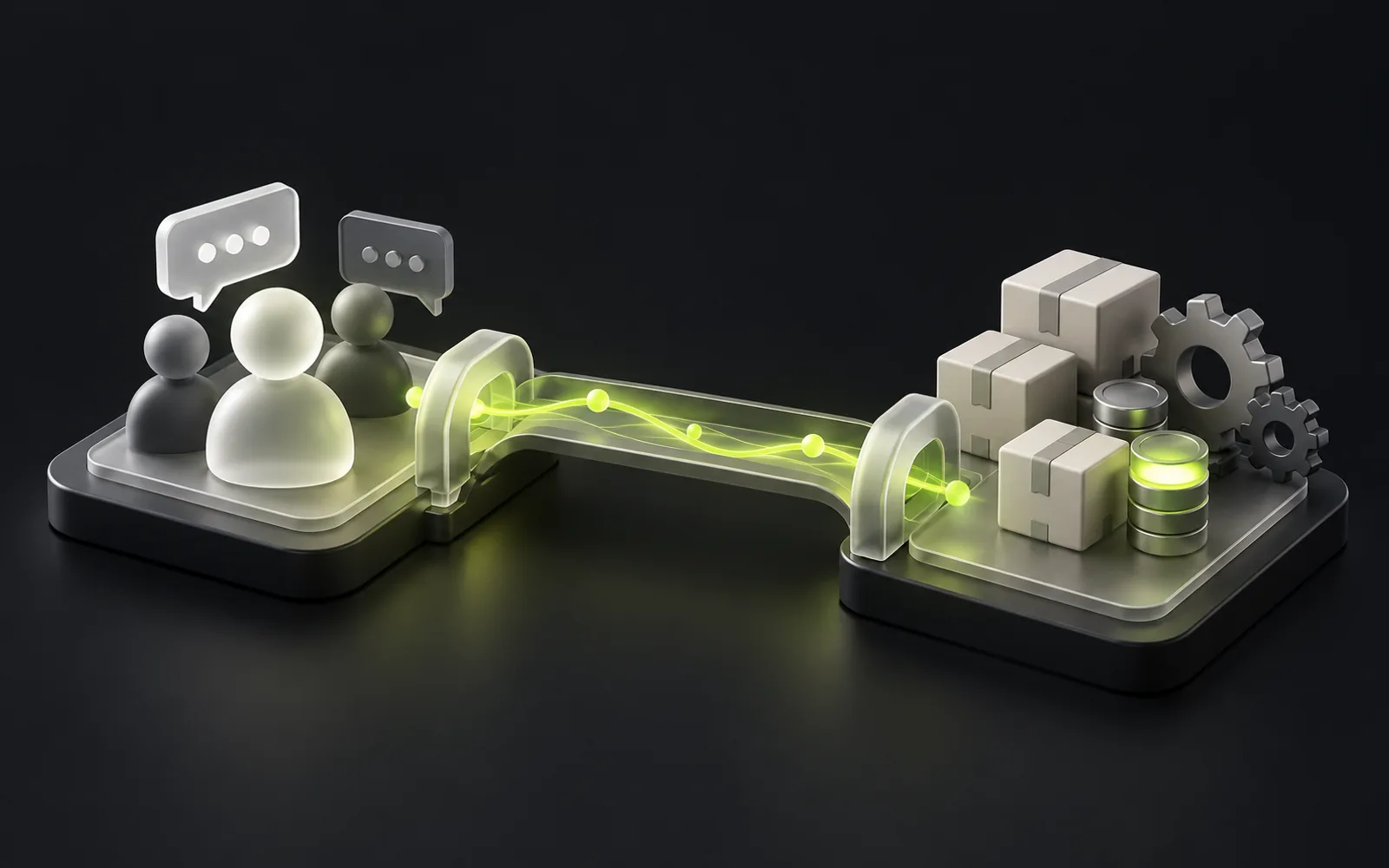
ERP, CRM, MRP, WMS, CMS and BI are different classes of systems. CRM tracks customers and deals, ERP handles finance, warehouse, purchasing and production, MRP plans materials for production, WMS runs the warehouse, CMS manages website content, and BI pulls reports from several systems. Choose by where you lose money, not by a fashionable acronym, and start with one system.
Discuss your project?
A timeline and cost estimate broken down by stage — after the brief.
Contents
In short: which acronym is about what
CRM
- Stands for
- Customer Relationship Management
- What it covers
- Customers, leads, deals, communication history
- The main question
- What is happening with sales?
ERP
- Stands for
- Enterprise Resource Planning
- What it covers
- Finance, warehouse, purchasing, production, reporting
- The main question
- What is happening with the company's resources?
MRP
- Stands for
- Material Requirements Planning
- What it covers
- Planning materials for production from the product structure
- The main question
- How much material do we need, and by when?
WMS
- Stands for
- Warehouse Management System
- What it covers
- The warehouse: receiving, bin locations, picking, shipping
- The main question
- Where is the item and where should it go?
CMS
- Stands for
- Content Management System
- What it covers
- Text, pages and images of a website
- The main question
- Who edits the site, and how, without a developer?
BI
- Stands for
- Business Intelligence
- What it covers
- Reports and dashboards from several systems
- The main question
- What do the numbers say across the company?
EDMS
- Stands for
- Electronic document management system
- What it covers
- Approval, signing and storage of documents
- The main question
- Where is the document and at which stage?
How these systems connect
- 01Website and messengers (CMS)
- 02CRM: leads and deals
- 03ERP: accounting, purchasing, production
- 04WMS: warehouse and shipping
- 05BI: consolidated reports
In practice the boundaries move. MRP is most often a production module inside ERP. WMS can be a standalone system or part of ERP. BI reads data from all the others and records nothing itself. So instead of asking what to buy, ask which problem you are solving and where the data for it comes from.
What you need: by symptom
Leads from WhatsApp, Instagram and the site get lost; deal stages are invisible
- Which system
- CRM
- Why
- You need one pipeline and a history of communication with each customer
Warehouse stock does not match the books; finding an item takes time
- Which system
- WMS or an ERP warehouse module
- Why
- You need bin-level tracking and confirmation of every operation
Sometimes materials for production run short, sometimes the warehouse is full of dead stock
- Which system
- MRP or ERP with production
- Why
- You need demand calculated from the product structure and deadlines
Cost and margin per order are calculated in Excel after the fact
- Which system
- ERP
- Why
- You need a single record of costs, purchasing and sales
The website cannot be edited without a developer
- Which system
- CMS
- Why
- You need an admin panel for texts and pages
The report for the weekly meeting takes a day to assemble from several files
- Which system
- BI after data integration
- Why
- The data has to agree first, then it can be displayed
Documents are approved in messengers and get lost
- Which system
- EDMS
- Why
- You need an approval route and an action log
Three rules to avoid overpaying
Start with one system where the losses are bigger
Rolling out CRM and ERP together means changing processes twice and overloading the team. How to pick the first one is covered in the article «CRM or ERP».
Check whether what you already have covers the task
A module in a system you already use, such as 1C, sometimes solves the problem without buying a new one. A new system is justified when the existing one forces you to break working processes.
Decide in advance how the systems exchange data
Two programs without integration mean double entry and numbers that disagree. Ways to connect them with 1C and other systems are described in a separate article.
Discuss your project?
A timeline and cost estimate broken down by stage — after the brief.