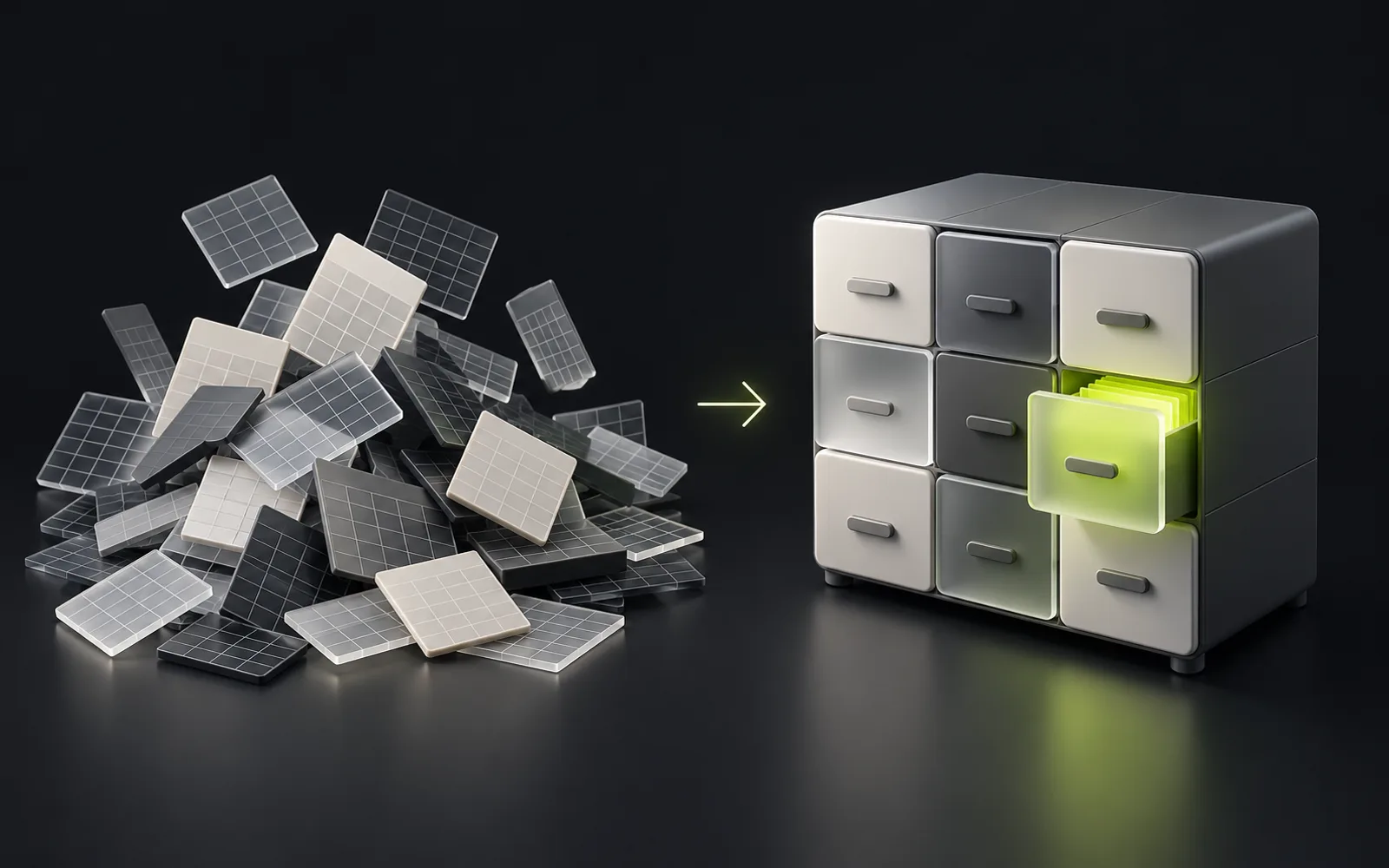
To move customers into a new CRM without losses, first decide what to migrate and what to leave in an archive, then follow seven steps: inventory the sources, clean and merge duplicates, map the fields, run a test migration on a copy, reconcile the results, switch over and keep a rollback plan. Most often lost are phone numbers in mixed formats, deal history, attachments and account owners. Migration is part of a CRM implementation: for a custom system the first phase starts from 2 million ₸, an InterLAB reference point.
Discuss your project?
A timeline and cost estimate broken down by stage — after the brief.
Contents
What to migrate and what to leave in the archive
The most common mistake is to migrate everything. The new CRM then starts life with thousands of dead contacts, and managers stop trusting it. Sort the data into three groups before any work begins.
Live data
- Examples
- Active customers, open deals, commitments for the coming weeks, contact persons
- Decision
- Migrate in full, with communication history and the account owner
Valuable history
- Examples
- Closed deals for recent periods, amounts, loss reasons, repeat purchases
- Decision
- Migrate in condensed form: deal outcome, amount, date, source
Archive
- Examples
- Cold contacts with no activity, old enquiries, accidental entries, test rows
- Decision
- Keep in storage: a file or a database copy, available on request
Seven steps of the migration
Inventory the sources
List every place where customers live: Excel and Google spreadsheets, the old CRM, 1C, WhatsApp, email, managers' notebooks. For each one note who maintains it, how many records it holds and how fresh the data is.
Clean up and merge duplicates
Merge repeats, fix obvious errors, remove test rows. The merge rules (which record is the main one, which fields to keep) are approved by the business before cleaning, not during it.
Map the fields
Build a map: field in the old source, field in the new CRM, format, whether it is required. For data with no place to go, decide: create a field or drop the data.
Test migration on a copy
Migrate not the working database but a copy, into a test environment. Look at what broke: encodings, dates, merged fields, truncated text.
Reconcile
Compare record counts before and after, deal totals, and a manual sample of 30–50 cards. Managers check their own customers by eye: they notice what a script cannot.
Switch over
Set the moment, freeze the old spreadsheets (read-only), migrate the changes made during preparation and open the CRM for work.
Rollback
Do not delete the old sources until the CRM has run at least one full business cycle (usually a few weeks). If a serious loss turns up, go back to the original data and repeat the migration.
Where data is lost most often
Phone numbers
- Why
- One number written as 8 701…, +7 (701)…, 7701… or with spaces and dashes; two numbers in one cell
- How to avoid it
- One format (+7XXXXXXXXXX), the second number in a separate field
Duplicates
- Why
- One customer in three spreadsheets with different spellings of name and company
- How to avoid it
- Matching key: normalised phone, email, company registration number; doubtful cases resolved by hand
Deal history
- Why
- In Excel the history sits in comments, row colours and separate sheets
- How to avoid it
- Decide in advance what form it takes: stages, amounts, dates, notes
Attachments
- Why
- Contracts and invoices live in email and on managers' drives; the spreadsheet holds only a file name
- How to avoid it
- Collect files in shared storage and link them to customer cards
Account owners
- Why
- The spreadsheet has surnames, the CRM has user accounts; departed employees are not set up
- How to avoid it
- A mapping table 'name in source → CRM user'; for leavers, a placeholder role or the sales head
Dates and amounts
- Why
- Text instead of a date, mixed formats, several currencies in one column
- How to avoid it
- Format checks in the test migration and a sample reconciliation of amounts
A conditional example: a spreadsheet has 3,000 rows; after normalising phones and merging repeats, 2,200 customers remain. Without cleaning, the CRM would show managers three cards for the same person, and each of them would call him separately.
Who is responsible for what
The business (client)
- Names a data owner who decides on disputed records
- Approves what to migrate and what to archive, and the duplicate-merge rules
- Provides access to all sources, including managers' personal spreadsheets
- Checks the result on its own customers and signs off acceptance
- Decides when to switch over
The contractor
- Runs the inventory and proposes the field map
- Writes the migration and normalisation scripts and does test runs on the copy
- Prepares a reconciliation report: how many records moved, how many were rejected and why
- Provides rollback and keeps the original files intact
- Helps fix issues in the first weeks after switchover
A contractor cannot decide for you which of two customer cards is correct. Without a data owner on the company side, the project stalls right here.
Time and cost of the migration
Data migration is not a separate project but a line in the CRM implementation budget (the other lines are covered in the article on CRM implementation cost). For a custom CRM the InterLAB reference point is a first phase from 2 million ₸ and 6–12 weeks, with the migration running in parallel with development. InterLAB's reference points are lower bounds; we give an exact estimate after a brief.
Sources
- If simpler
- One spreadsheet with a clear structure
- If harder
- Several spreadsheets, an old CRM, 1C and chat history
Data quality
- If simpler
- Consistent formats, few duplicates
- If harder
- Free text, merged fields, many repeats
History
- If simpler
- Deal outcomes only
- If harder
- Full correspondence, calls, attachments
Number of runs
- If simpler
- One or two test runs
- If harder
- Several cycles because the rules keep changing
Business involvement
- If simpler
- Decisions within a day or two
- If harder
- Approvals drag on for weeks
Support after launch is determined individually. What exactly the migration work includes is recorded in the quote as a separate line.
What if the data is in several spreadsheets and in managers' heads
This is the most common case: each manager has a spreadsheet, some agreements live in WhatsApp, some only in memory. Trying to gather everything with one script is pointless.
- Start with a source map: who maintains which spreadsheet and which customers in it are unique.
- Spend 30–40 minutes with each manager: customers in progress, promises made, special terms. The output is short notes attached to the cards.
- Merge the spreadsheets by a key (normalised phone) and hand disputed records to the person who actually worked with the customer.
- Name the single source of truth for the switchover day: after it, data may be entered only in the CRM.
- For knowledge held in memory, add a mandatory 'notes' field and ask each manager to fill it in for their top customers before launch.
Pre-switchover checklist and common mistakes
- Every source from the inventory is accounted for and has a decision: migrate or archive.
- The test migration on a copy ran without critical errors, and a repeat run gave the same result.
- Record counts and deal totals match the source data, and any differences are explained.
- Managers checked their own cards and confirmed that customers, owners and history are in place.
- Phone numbers use one format; duplicates are merged under the approved rules.
- Attachments open from the customer cards.
- Backups of the original files are stored; the retention period and rollback procedure are agreed.
- The switchover day is set and someone is named to handle questions in the first weeks.
- Migrating everything without selection and planning to clean up inside the CRM later.
- Running the migration straight on the working database with no test copy.
- Not naming a data owner on the company side.
- Deleting the old spreadsheets on launch day.
- Reconciling only the number of rows without checking the content of the cards.
- Leaving double entry in place: some managers keep maintaining Excel alongside the CRM.
Discuss your project?
A timeline and cost estimate broken down by stage — after the brief.